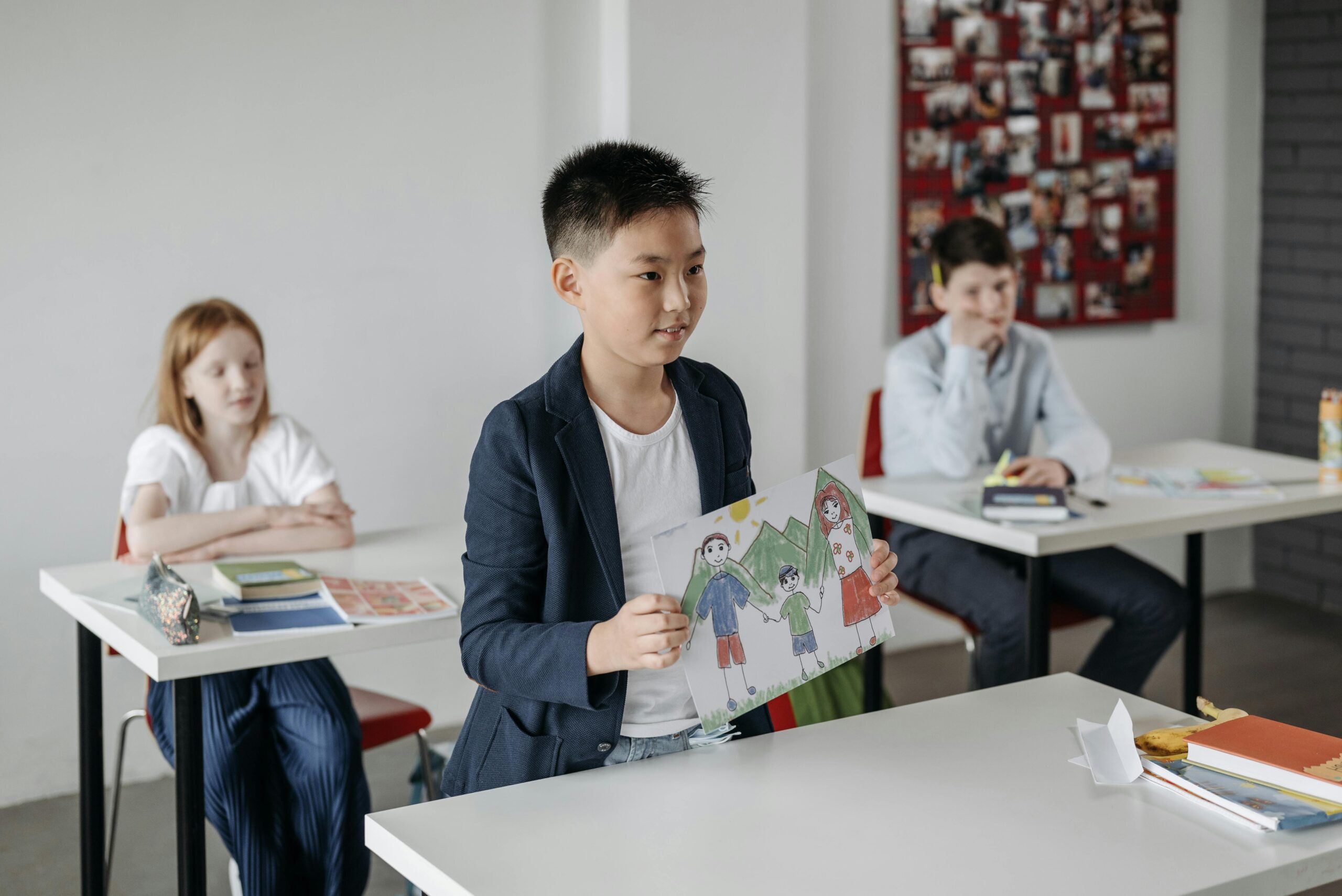
Every child learns differently. There are different learning styles, and understanding these learning styles—such as visual, auditory, and kinesthetic learning—is essential because students have varied preferences for how they process information. Each student’s learning style can significantly impact their educational experience, and the VAK model of learning, popularized by Neil D. Fleming, categorizes these styles as Visual, Auditory, and Kinesthetic.
While some children excel with traditional text-based instruction, others—particularly those with learning differences such as dyslexia, ADHD, or language processing difficulties—may struggle to absorb information in this way. Visual learners often struggle to absorb information when it is presented in a purely auditory or written form. Visual learning can be especially beneficial for diverse learners, as it supports their unique needs and helps accommodate a range of learning preferences. Visual learners do their best in environments that support their visual-spatial strengths, such as classrooms filled with visual aids.
For these children, visual learning can be a game-changer, especially when it comes to helping students understand difficult concepts and new concepts. Visual learning provides an alternative path to understanding, retaining, and applying knowledge, in contrast to auditory learning, where students prefer spoken explanations and discussions, and kinesthetic learners, who benefit from hands-on, experiential activities.
Now, artificial intelligence (AI) is taking visual learning to the next level, offering tools that convert text into images, videos, interactive diagrams, and mind maps. Visual schedules help visual learners anticipate the flow of the lesson and manage transitions throughout the day.
Visual learning techniques, such as mind mapping, encourage students to actively engage and make connections, fostering independent thinking and creativity.
Understanding Visual Learners
Visual learners are students who excel when information is presented in a visual format, such as images, diagrams, charts, and educational videos. These learners often have a strong sense of spatial awareness and tend to think in pictures, which helps them process and retain information more effectively. In a modern classroom setting, visual learners benefit greatly from the use of visual aids that make abstract concepts more concrete and accessible.
Recognizing the unique characteristics of visual learners is crucial for educators aiming to create an inclusive and effective learning environment. Visual learners may quickly grasp complex ideas when they are illustrated with visual elements, but may struggle with traditional text-heavy or purely auditory instruction. By understanding how visual learners process information, teachers can tailor their instructional methods to better support these students, helping them build confidence and achieve academic success. Supporting visual learners with the right tools and strategies ensures they can fully engage with the learning process and retain information more efficiently.
How AI Supports the Visual Learning Style
AI-powered educational tools are capable of transforming text-heavy lessons into rich visual formats. For example, an AI system can take a textbook chapter and automatically generate:
- Illustrations and images that depict key concepts and illustrate concepts for clearer understanding.
- Animated videos that demonstrate processes step by step through visual demonstration.
- Mind maps and concept maps that show the relationship between ideas, allowing students to create mind maps by starting with a central concept and branching out with related ideas, using colors and symbols to enhance memory retention.
- Interactive diagrams where children can click, drag, or manipulate components to explore information actively.
Key features of AI-powered visual learning tools include customization options, ready-made templates, collaboration tools, and AI-enhanced organization to support visual learning and idea management.
For children who struggle with reading or maintaining attention during long lessons, these tools can make content more engaging and accessible. AI tools use visual cues and visual demonstration to present information and illustrate concepts, helping learners better understand and retain material. Visual formats help learners “see” information, making abstract and visual concepts concrete and easier to understand.
Personalisation and Adaptivity for Different Learning Styles
One of the most powerful aspects of AI-driven visual learning is its ability to personalise content. Many platforms can adjust the format, pace, and complexity of lessons to suit each child’s unique learning style. Adapting to a student’s learning style not only improves comprehension but also increases student engagement, as lessons become more relevant and interesting to each learner. For example, a child studying the water cycle could choose to watch an animated video, explore an interactive diagram, or view a colourful infographic—all based on what helps them learn best. This personalised approach reduces frustration, supports independent learning, and helps children stay motivated.
Additionally, AI platforms can provide data driven insights that help educators and parents track student progress and further support individual learning needs.
Organizing Information and Note-Taking
For visual learners, organizing information in a way that makes sense visually is essential to the learning process. Unlike auditory learners, who may prefer listening to lectures or discussions, visual learners tend to absorb and retain information best when it is presented in a visual format. Effective visual learning strategies for note-taking can make a significant difference in how these students process information, understand complex ideas, and remember key concepts.
One of the most effective strategies for visual learners is to use visual aids such as diagrams, charts, and mind maps to structure their notes. Creating mind maps allows students to visually connect related ideas, making it easier to see the relationships between different concepts. Graphic organizers, such as Venn diagrams and flowcharts, help students organize information into different categories and break down complex information into manageable parts. Color coding is another powerful tool—using different colors to highlight key concepts or group related ideas can help visual learners quickly identify and recall important information.
In the modern classroom setting, technology offers even more ways to support visual learners. Interactive whiteboards and AI-powered tools, such as automated note-taking software, enable students to create dynamic, interactive notes that can include images, symbols, and even short educational videos. These digital tools not only help visual learners capture information more efficiently but also allow for easy reorganization and review, reinforcing learning and supporting memory retention.
Teachers can further support visual learners by modeling how to use visual materials effectively. Demonstrating how to create concept maps, encouraging students to use color coding, and incorporating visual elements like pie charts and bar graphs to illustrate complex data can all help students develop strong visual note-taking habits. Wall displays and classroom visuals can provide ongoing visual stimulation and serve as reference points for students as they learn new material.
Hands-on activities are also valuable for visual learners, who often have a great sense of spatial awareness. Activities such as building models, conducting experiments, or participating in group projects allow students to interact with complex concepts in a tangible way, deepening their understanding and engagement.
In summary, supporting visual learners with effective note-taking strategies means providing a variety of visual aids, interactive elements, and hands-on experiences. By helping students organize information visually—through mind maps, graphic organizers, color coding, and digital tools—teachers can foster a deeper understanding of complex concepts, improve memory retention, and create a more engaging and effective learning experience for all students.
Memory Retention, Comprehension, and Engagement
Research shows that combining visuals with text improves comprehension and retention. When children can see how ideas connect—through flowcharts, timelines, or visual sequences—they are better able to organise their thoughts and recall information later. Visual learners learn and students learn more effectively when exposed to visual information, as it helps them process and retain concepts for longer periods. Some visual learners even demonstrate photographic memory, allowing them to recall visual details with remarkable accuracy. Visual AI tools make it easier for learners to identify patterns, understand cause-and-effect relationships, and grasp complex topics in subjects like mathematics, science, and social studies.
Interactive visuals further enhance learning by encouraging active participation. Features such as clickable diagrams, animated simulations, or gamified concept maps reinforce learning by providing engaging, interactive experiences that help students form mental images, aiding memory retention. For children who often feel overwhelmed in traditional classrooms, this hands-on approach can foster confidence and a sense of control over their learning journey.
Creating a Supportive Learning Environment
To support visual learners, it’s important to design a classroom environment rich in visual elements and interactive opportunities. Incorporating visual aids such as diagrams, charts, and mind maps helps students organize information and break down complex concepts into manageable parts. Interactive whiteboards and graphic organizers can transform lessons into engaging, hands-on experiences, allowing students to manipulate and explore ideas visually.
Educational videos and concept maps are powerful tools for reinforcing learning, as they present information in a dynamic and memorable way. Encouraging students to create their own visual materials—like infographics or personalized mind maps—not only deepens their understanding but also boosts student engagement. Hands-on activities, such as building models or participating in group projects, further support visual learners by allowing them to interact with new material in a tangible way.
By integrating these visual learning strategies into daily instruction, educators can help students organize information, reinforce learning, and foster a deeper understanding of complex concepts. A supportive learning environment that prioritizes visual materials and interactive elements ensures that visual learners have the resources they need to thrive.
Overcoming Challenges and Obstacles
While visual learning offers many advantages, visual learners may encounter specific challenges, particularly when faced with auditory learning tasks such as listening to lectures or following verbal instructions. These students may find it difficult to process and retain information that is not presented in a visual format, which can impact their overall learning experience.
To help visual learners overcome these obstacles, educators can implement effective visual learning strategies that incorporate visual aids, mind maps, and interactive elements into lessons. Providing written materials or visual references alongside spoken instructions can bridge the gap between auditory and visual learning, ensuring that all students have access to the information they need. Encouraging visual learners to participate in discussions and debates can also help them develop critical thinking skills and consider different perspectives beyond visual cues.
Research shows that visual learners tend to retain information better when it is presented visually, making it essential to include visual elements in the learning process. By using strategies such as color coding, concept mapping, and interactive activities, teachers can capture the attention of visual learners and promote a deeper understanding of complex concepts. Addressing these challenges with targeted support and accommodations helps visual learners build confidence, overcome obstacles, and achieve academic success.
Human Guidance Remains Essential in the Learning Process
Despite these advances, AI is not a replacement for teachers or parental support. Children still need guidance to interpret visuals, ask questions, and connect what they learn through AI to real-world understanding. Balance is key: visual AI tools should complement, not replace, reading, writing, and critical thinking practice.
The Future of Visual AI in Learning
As technology continues to evolve, AI-powered visual learning is likely to become an increasingly common feature in both classrooms and homes. When thoughtfully implemented, these tools can bridge gaps for children who learn differently, offering access to knowledge in ways that align with their strengths, including those with a visual learning style. By converting text into images, videos, and interactive experiences, AI has the potential to make learning more inclusive, flexible, and effective—helping every child unlock their full potential. In the future, AI tools may further enhance students’ abilities in reading maps and other spatial tasks, supporting the development of visual-spatial skills essential for visual learners.
Comments are closed